 BusinessStub
Check whether the problem is bigger than your account
Community shows current service notices. If there is an incident, you will know the team is already looking at it—but you should still check whether your own save, send, payment, or publication completed.
Capture the useful clues
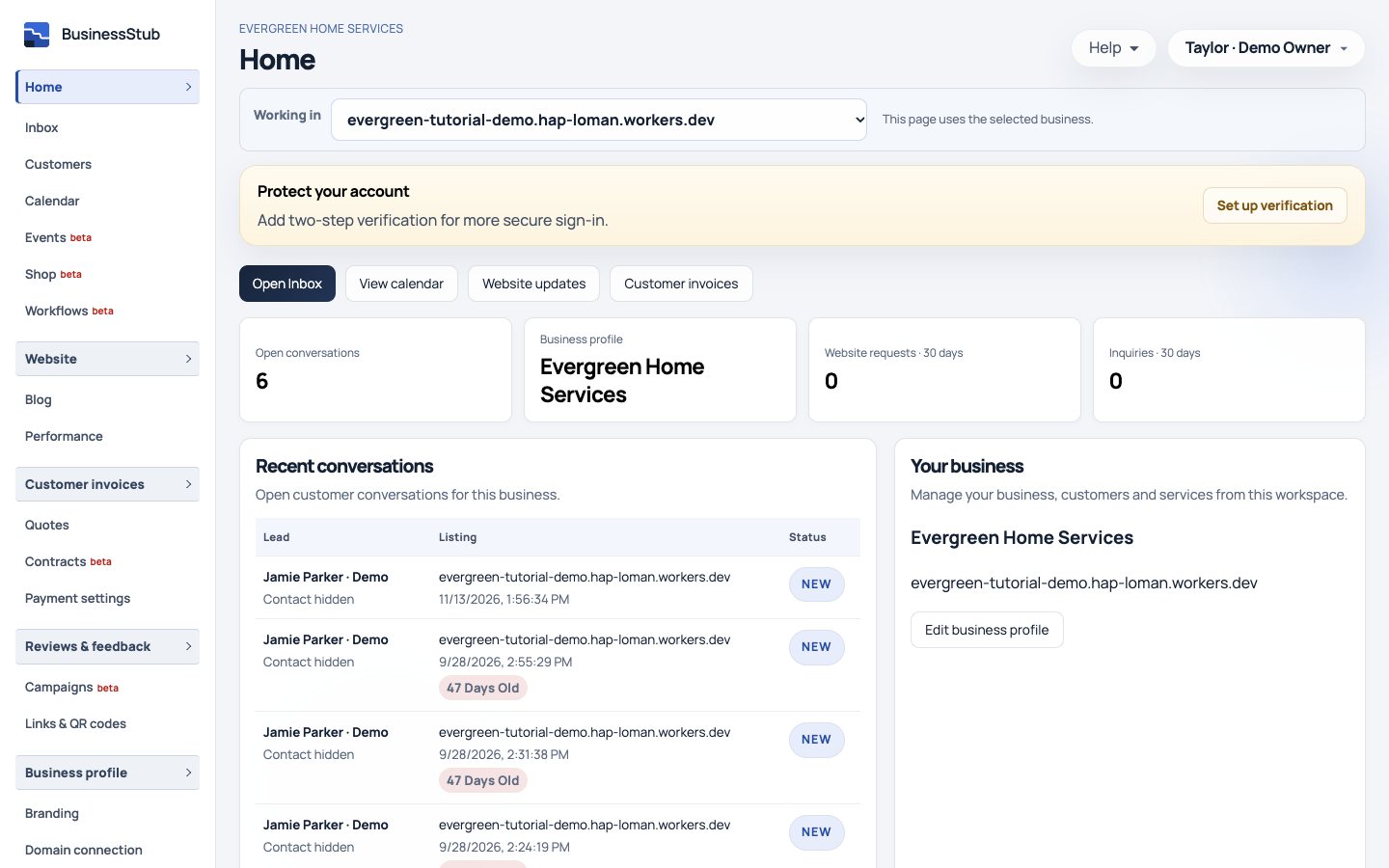
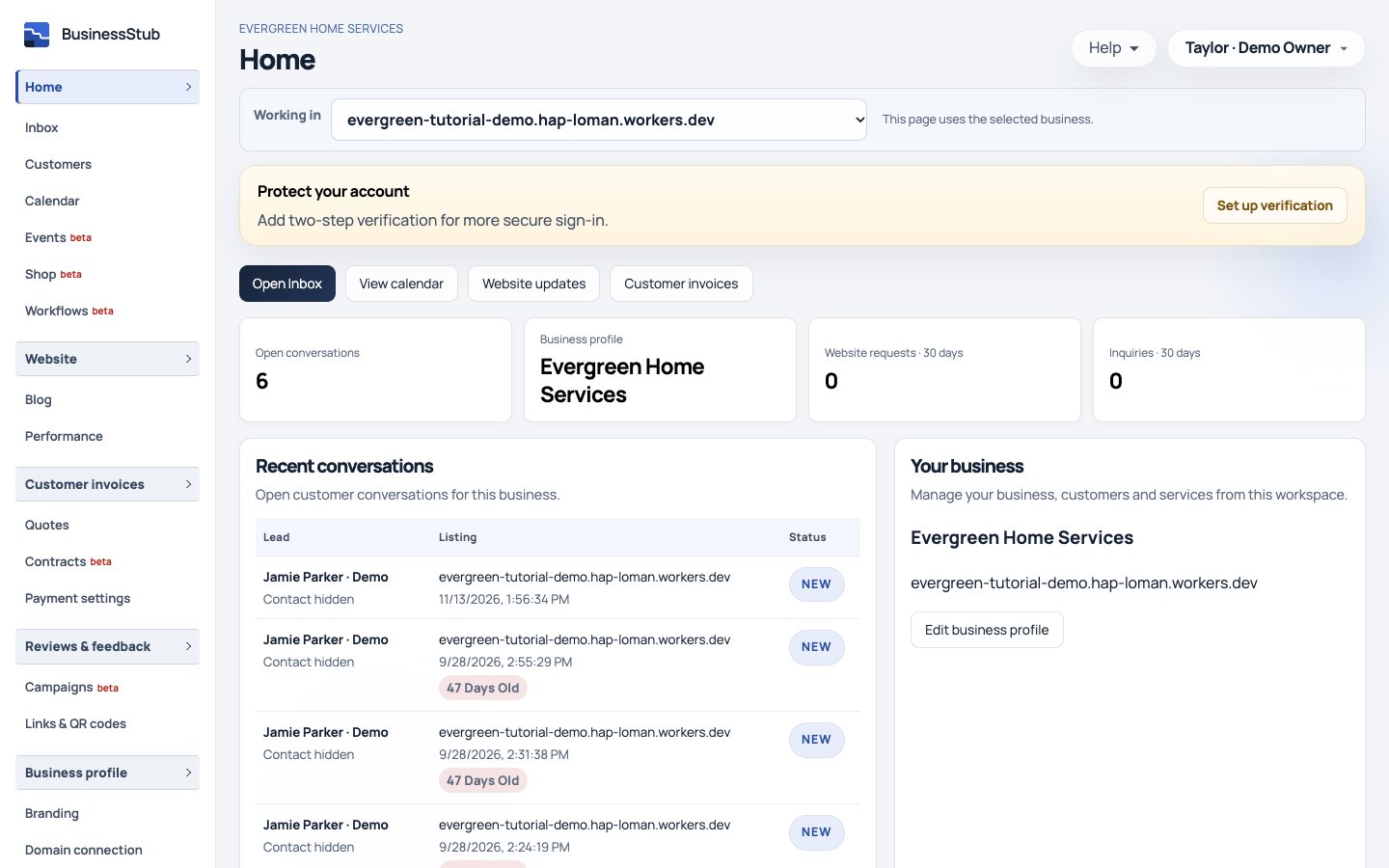
Note the business, page, action, time, and exact message. A screenshot can help, but remove passwords, one-time codes, private links, card details, and unrelated customer information.
Tell us what you expected and what happened
Open Help → Support Request, write a plain subject, choose the business when it applies, and describe the difference between the result you wanted and the one you saw.
Keep the answer in one conversation
Save the request reference and watch your account email. Add new information to the same request instead of opening several copies of the same problem.
Need a hand?
Tell us the business, page, what you expected, and what happened instead. Please leave out passwords and private customer details.
Explore common fixes →