Getting started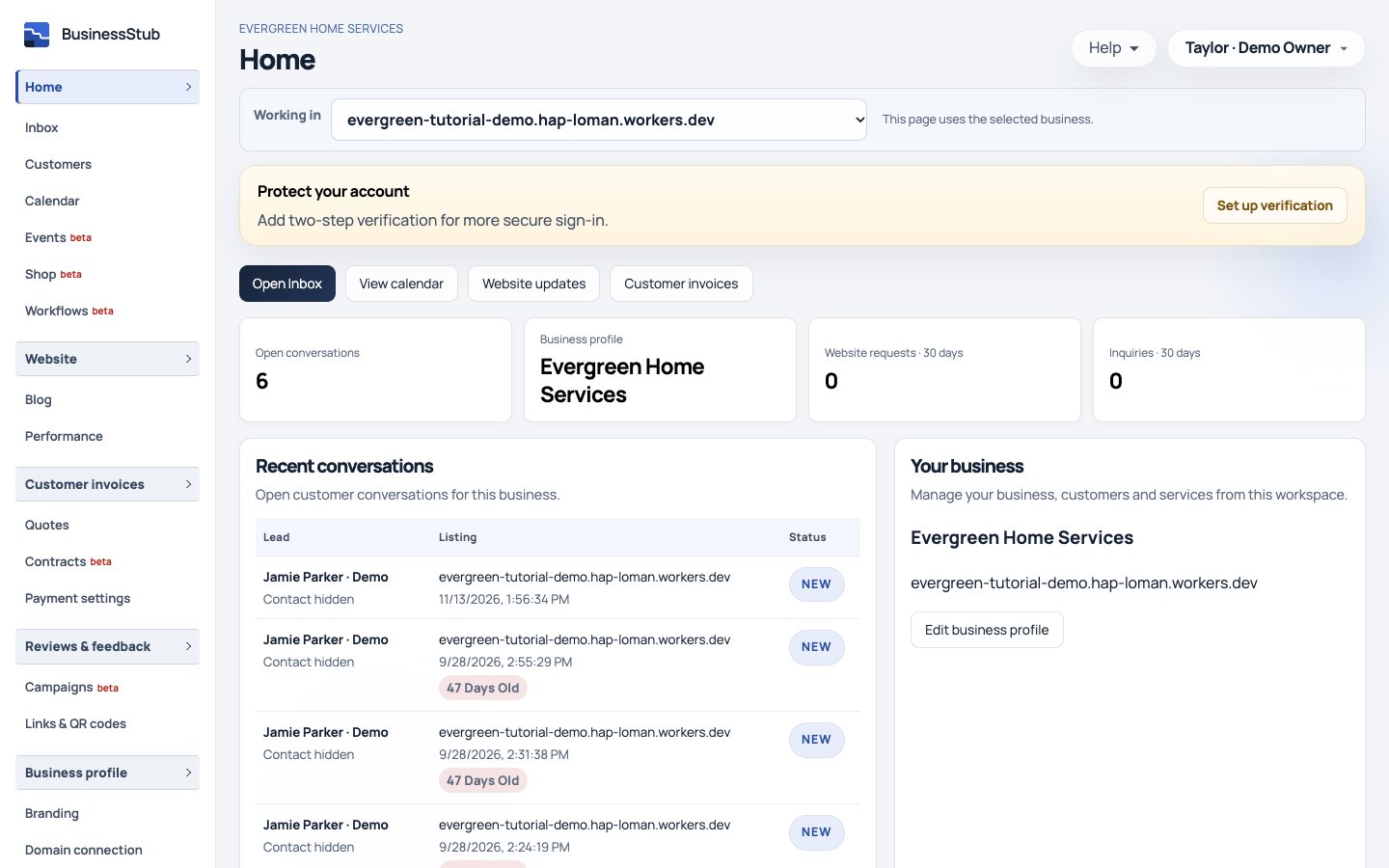
Your workspace is the home for customer activity, business details, and day-to-day tools. Use this tour when you are new, returning after a break, or switching between businesses and want to know where to begin.
Written guide ↗Website & content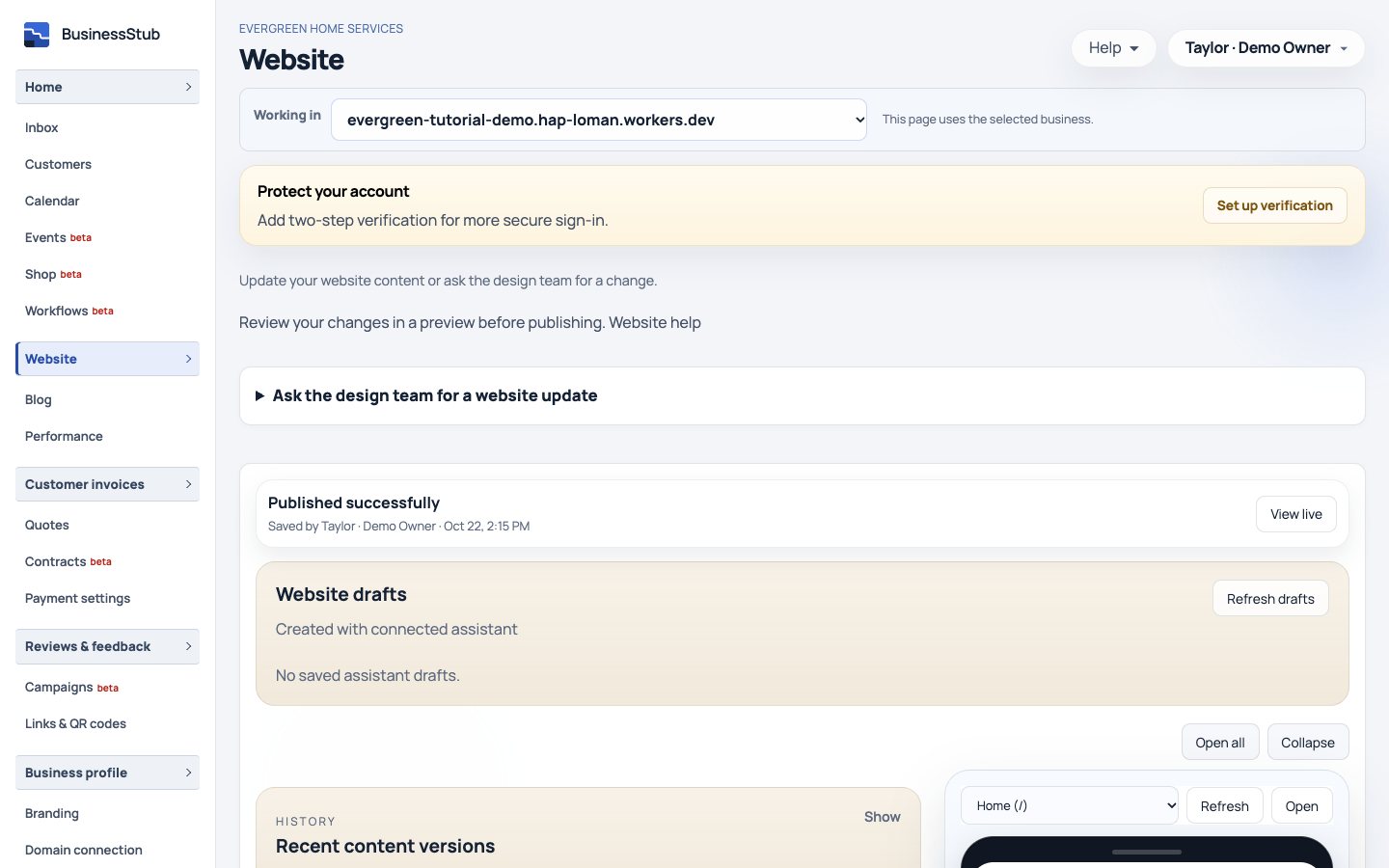
The website editor lets you keep important information current without rebuilding the whole site. Use it for focused copy or image changes when you want to review the result privately before customers see it.
▷ 4:00 video + guide ↗Customers & communication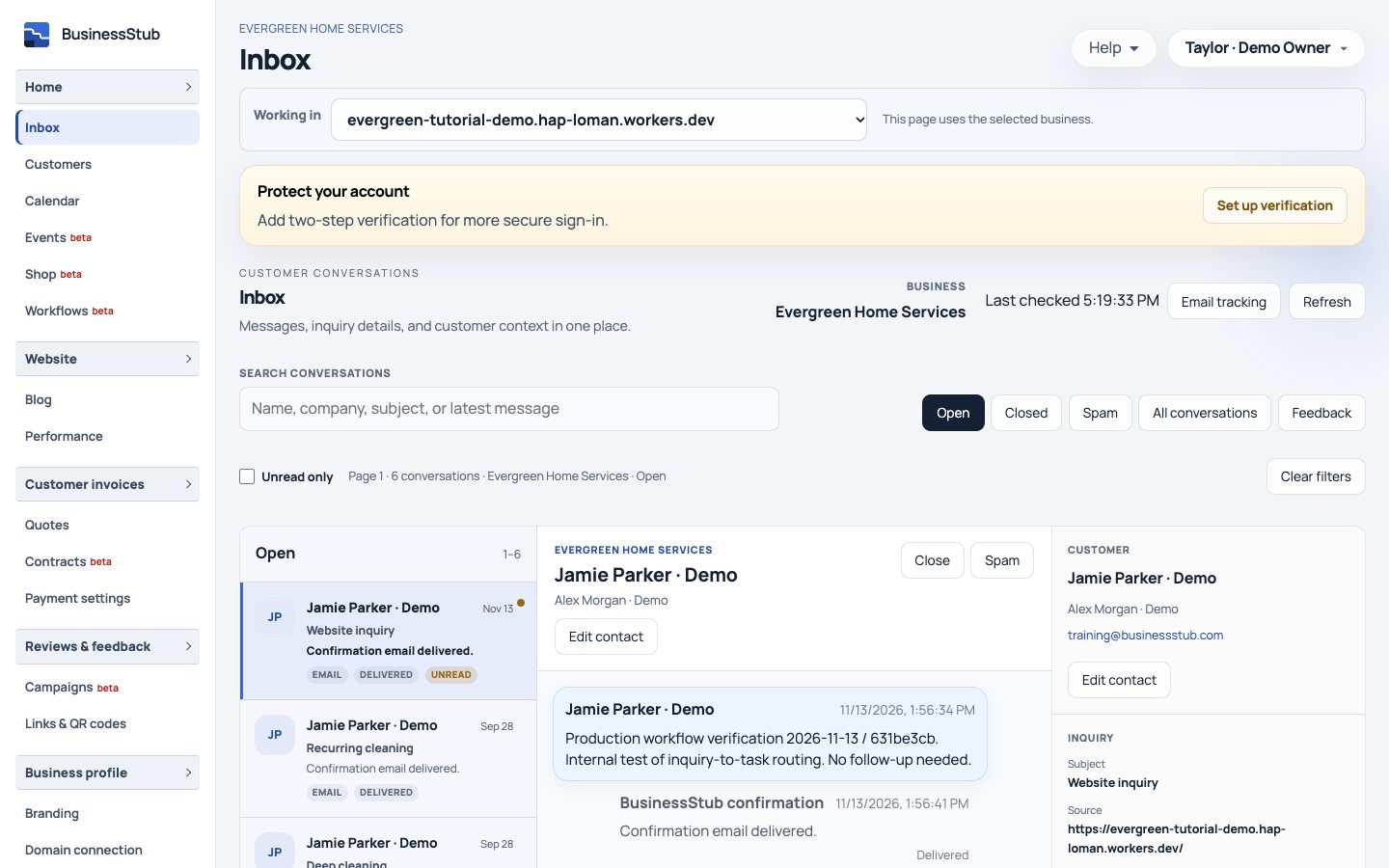
Inbox keeps customer questions and their history together so a reply does not lose its context. Use it to respond consistently, leave private team notes, and make sure unfinished work has a clear owner.
▷ 2:21 video + guide ↗Account & setup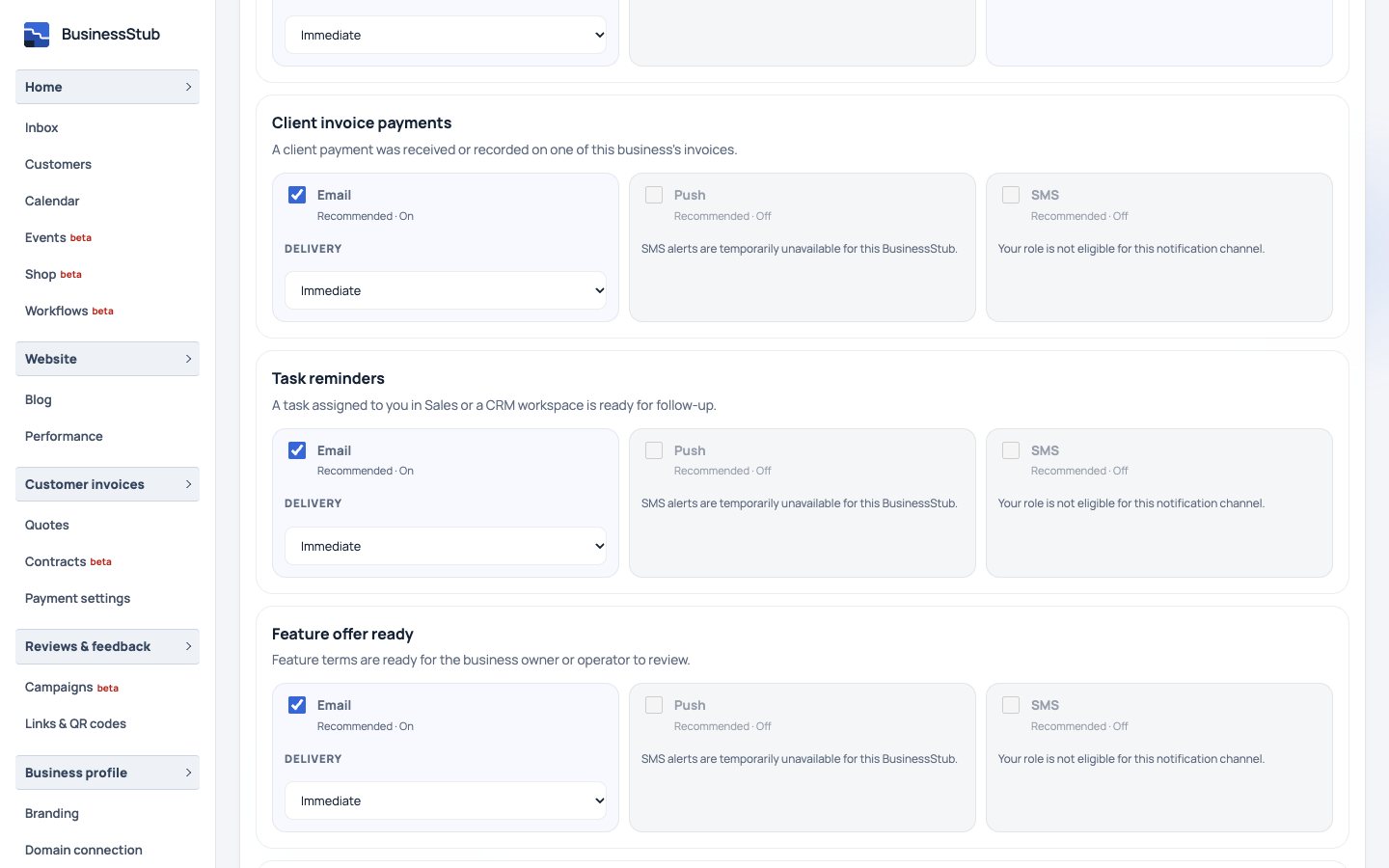
Notifications bring important customer and account activity to you without requiring constant dashboard checks. Choose them when a quick response matters, then use timing and quiet hours to protect your attention.
▷ 1:50 video + guide ↗Website & content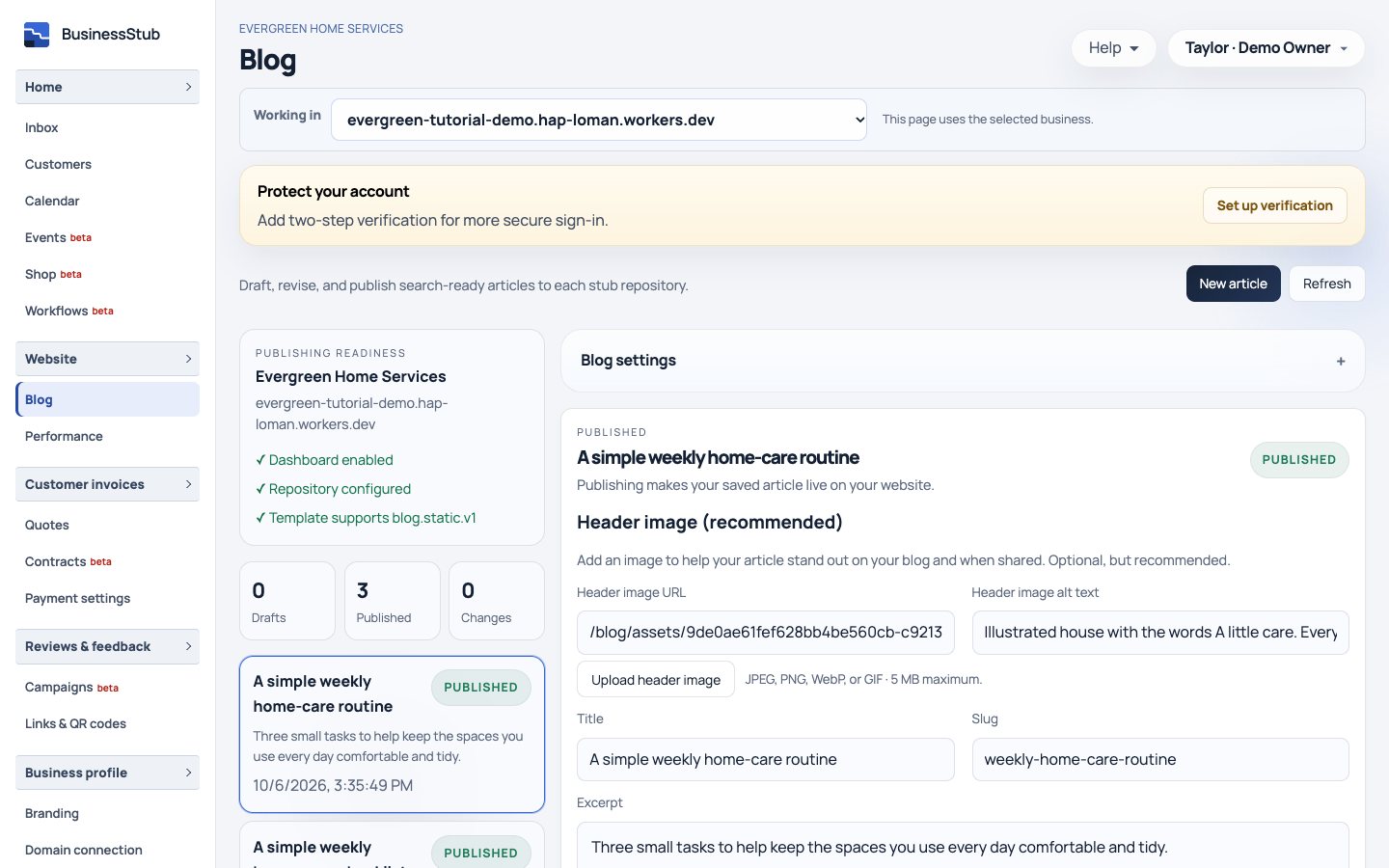
A useful blog answers questions before a customer has to ask and gives your website more depth over time. Create an article when one explanation could help many people or save your team from repeating itself.
▷ 2:50 video + guide ↗Customers & communication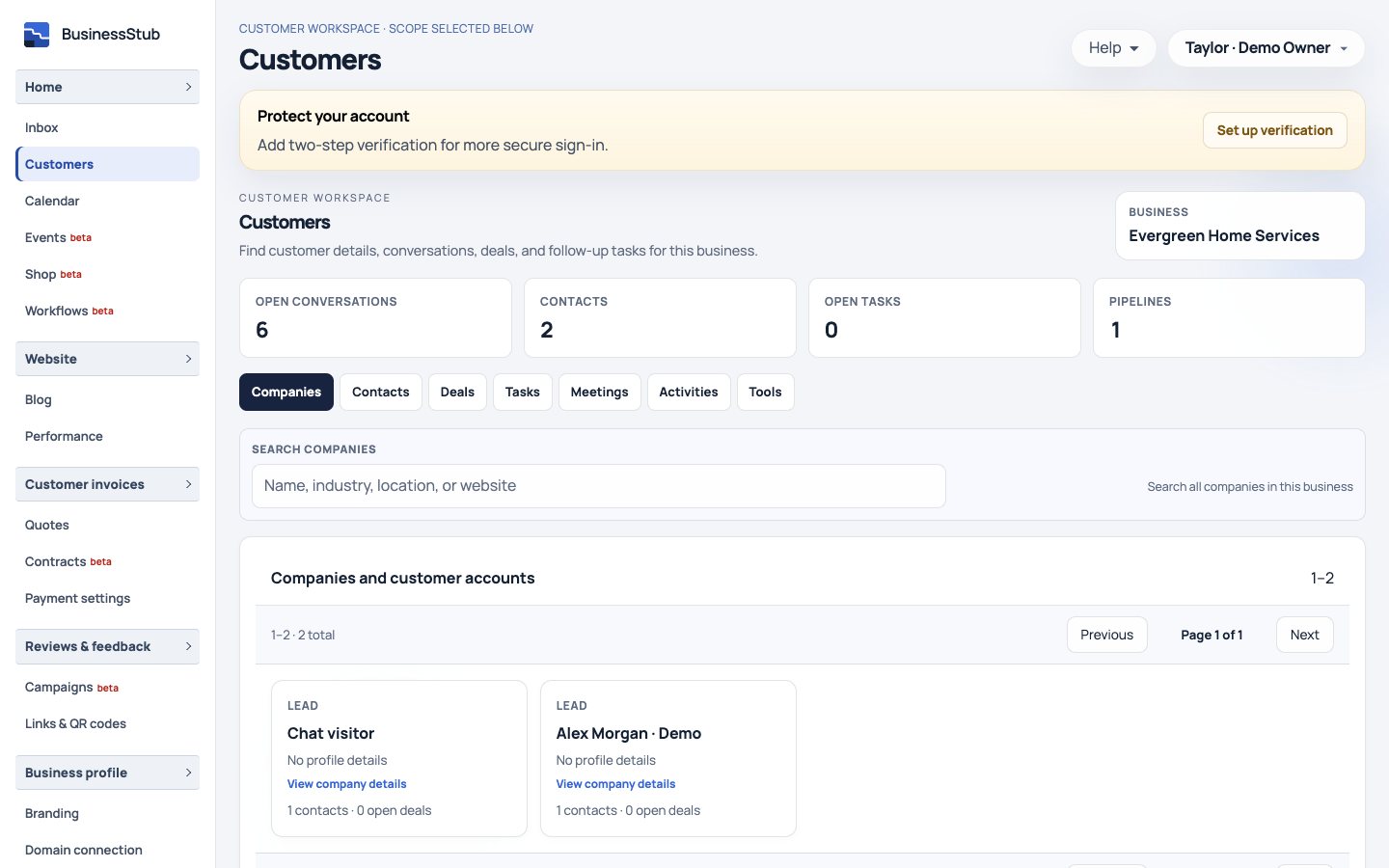
Customer records give your team a shared memory of who someone is, what happened, and what comes next. Use them when conversations span several days or people and you do not want follow-up to depend on memory.
▷ 2:46 video + guide ↗Customers & communication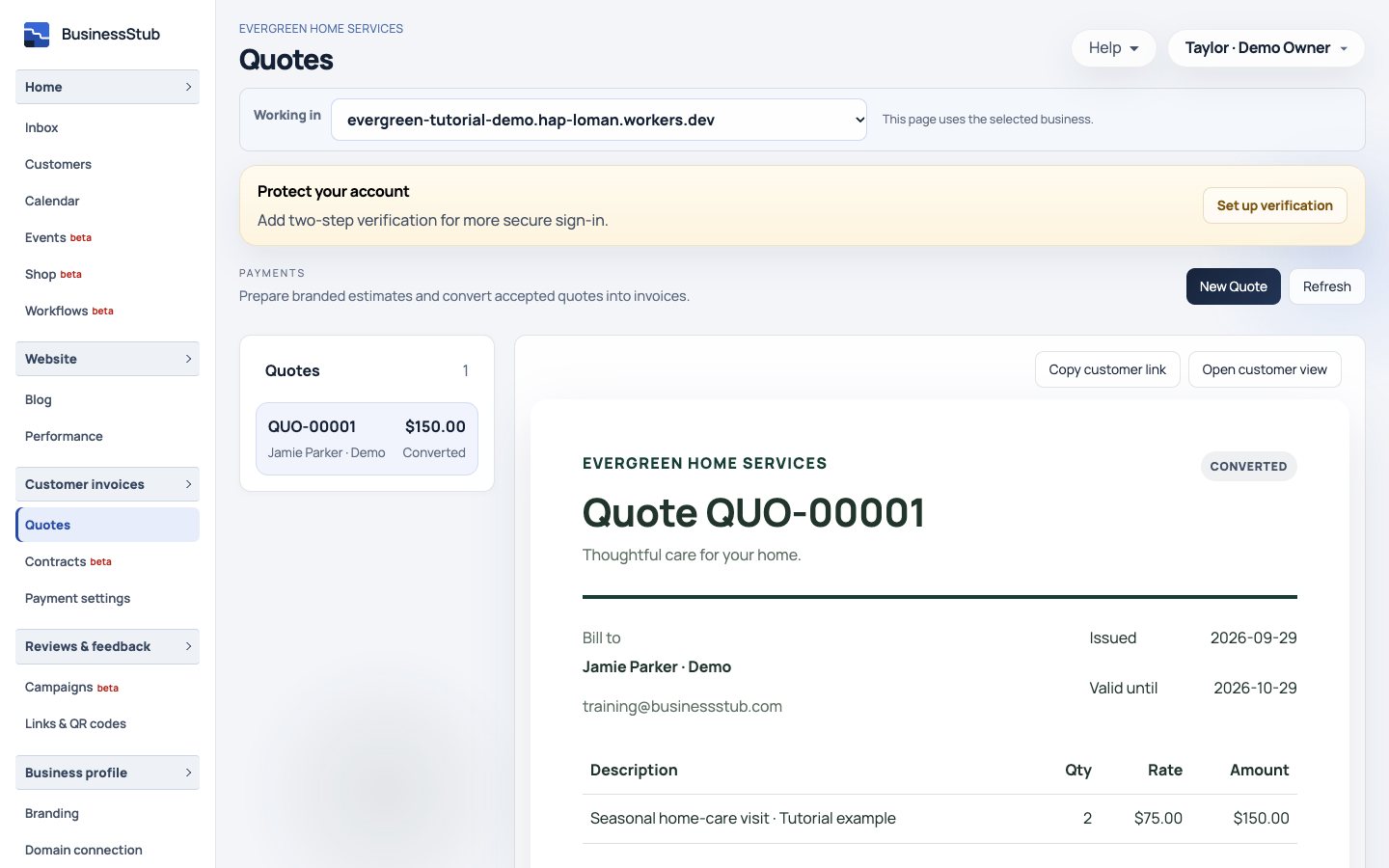
Quotes, invoices, and payment records turn an agreement into a clear financial trail. Use them to set expectations, reduce misunderstandings, and know what was accepted, sent, received, or still outstanding.
▷ 3:53 video + guide ↗Customers & communication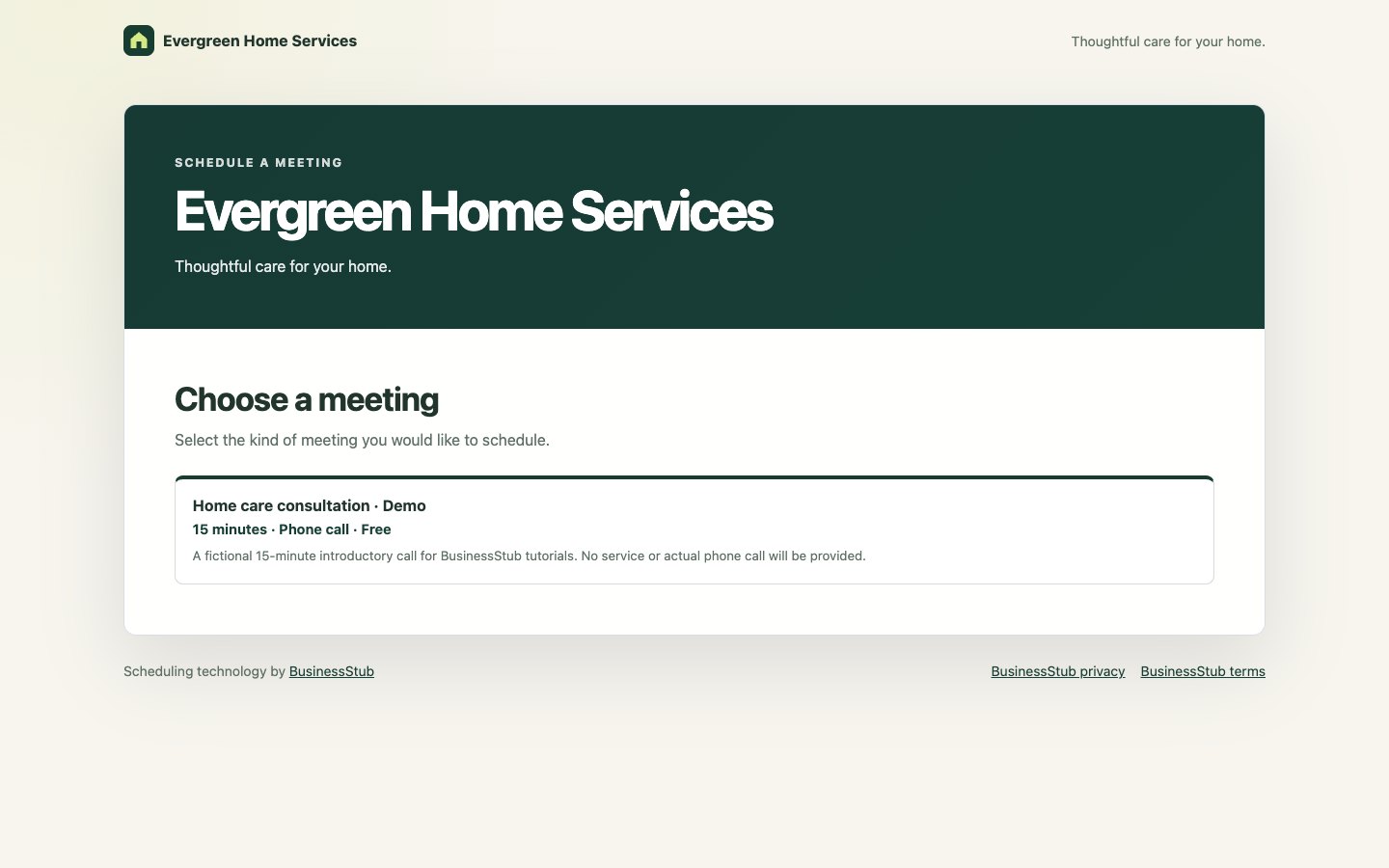
Online booking removes the back-and-forth of finding a time while respecting the availability you set. Use it when customers should be able to choose an appointment confidently, even when you are not available to reply.
▷ 3:45 video + guide ↗Account & setup
Multi-factor authentication adds a second check after your password, so a stolen password alone is not enough to open your account. Set it up when you want stronger protection for customer conversations, business settings, and billing access.
▷ 1:57 video + guide ↗Account & setup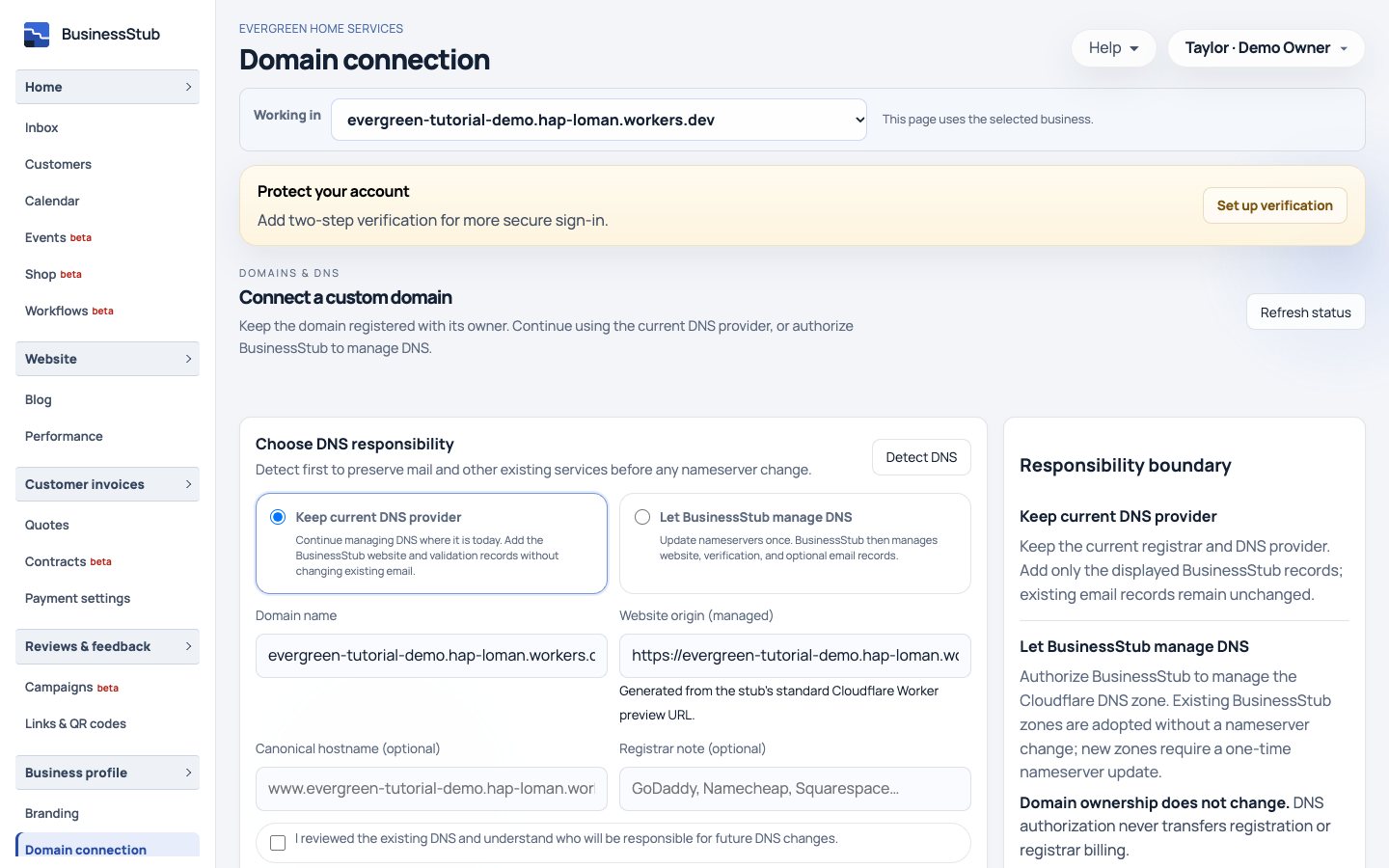
Your domain and business email are the addresses customers use to find and trust you. Manage them here when connecting BusinessStub services, especially when existing website or mail records must keep working during the change.
▷ 2:20 video + guide ↗Website & content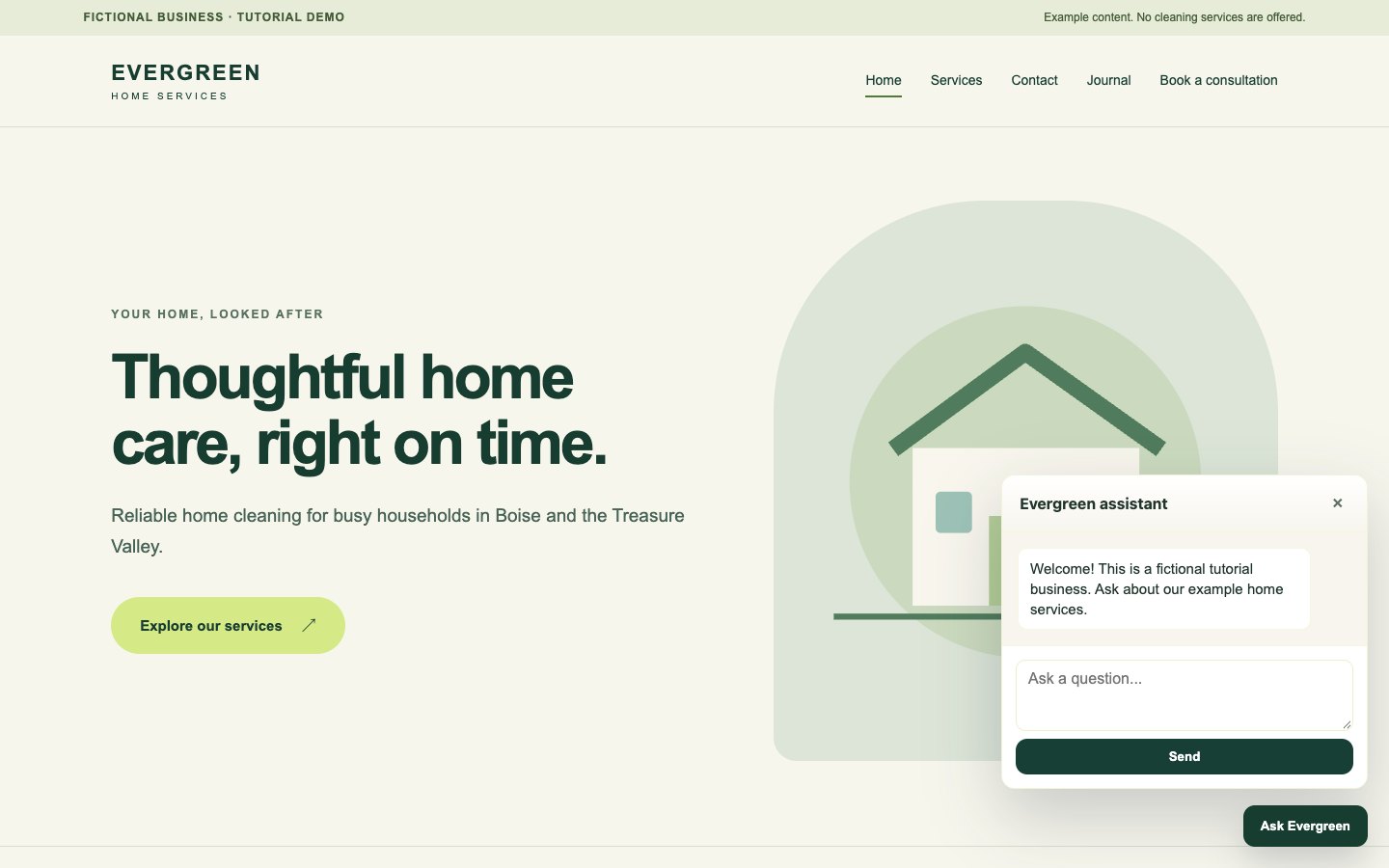
The chatbot gives visitors a helpful first response when a person is not immediately available. Use it for common public questions and inquiry handoff, then improve its knowledge from the conversations people actually start.
▷ 2:10 video + guide ↗Customers & communication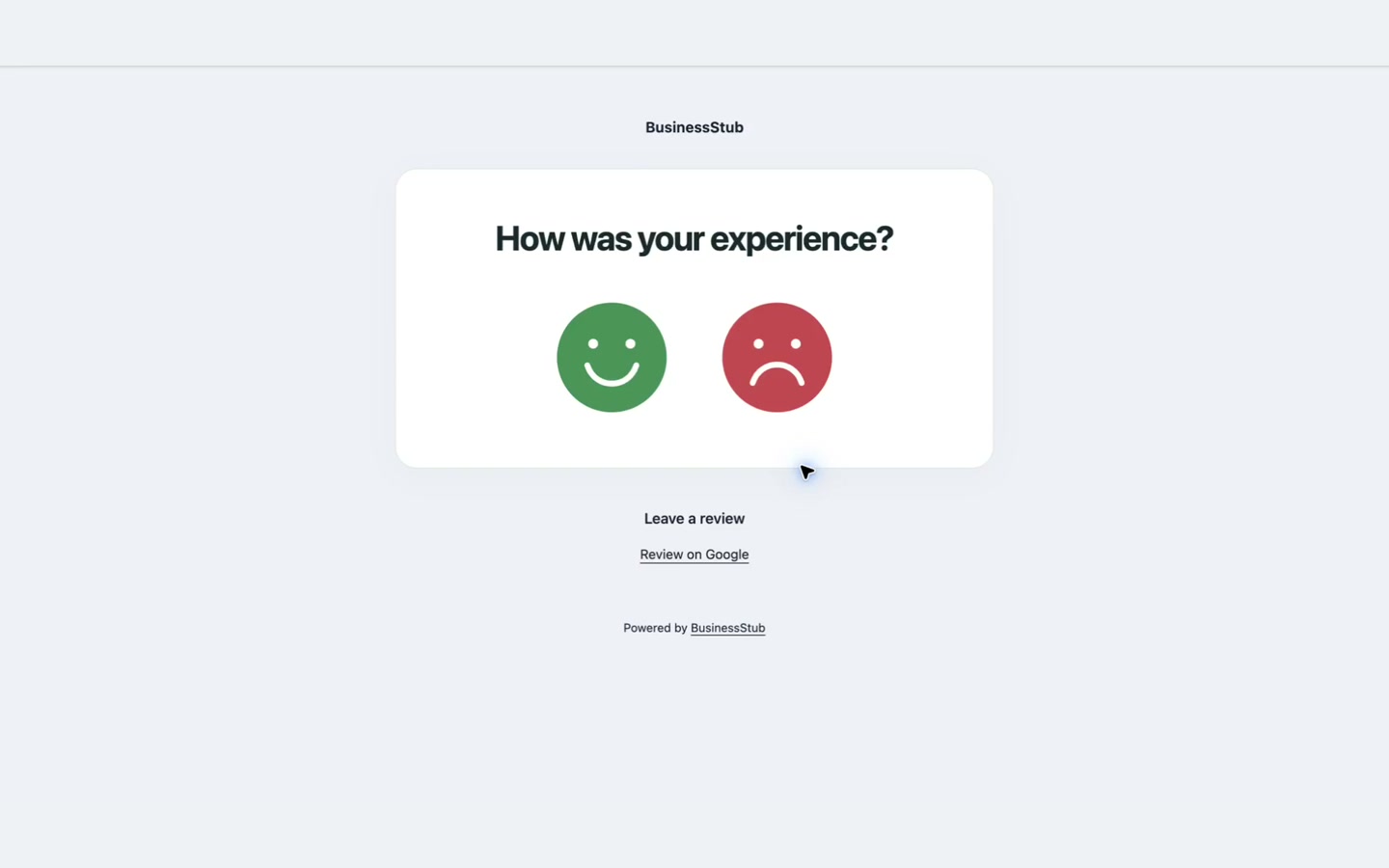
Reviews and private feedback give customers an honest next step after an experience with your business. Use the page to encourage public recommendations while giving concerns a private path to your team.
▷ 3:34 video + guide ↗Customers & communication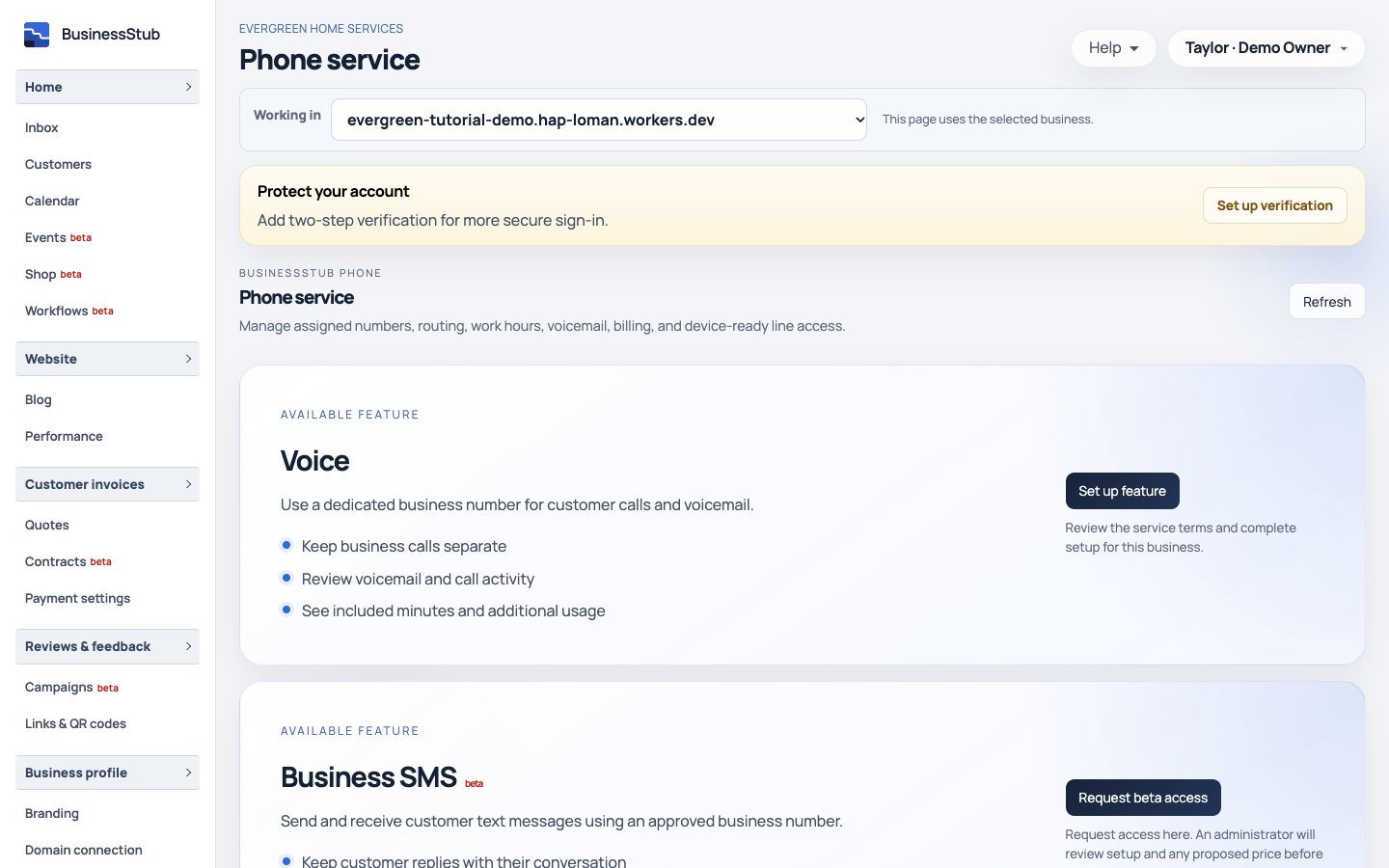
Business phone and voicemail keep customer calls separate from a personal number and make missed calls easier to follow up. Use them when callers need a consistent greeting, route, and place to leave a message.
▷ 2:19 video + guide ↗Account & setupYour business profile and shared brand provide one reliable identity for supported customer pages and documents. Set them up when you want names, colors, typography, and contact details to feel consistent wherever customers meet you.
▷ 2:08 video + guide ↗Customers & communication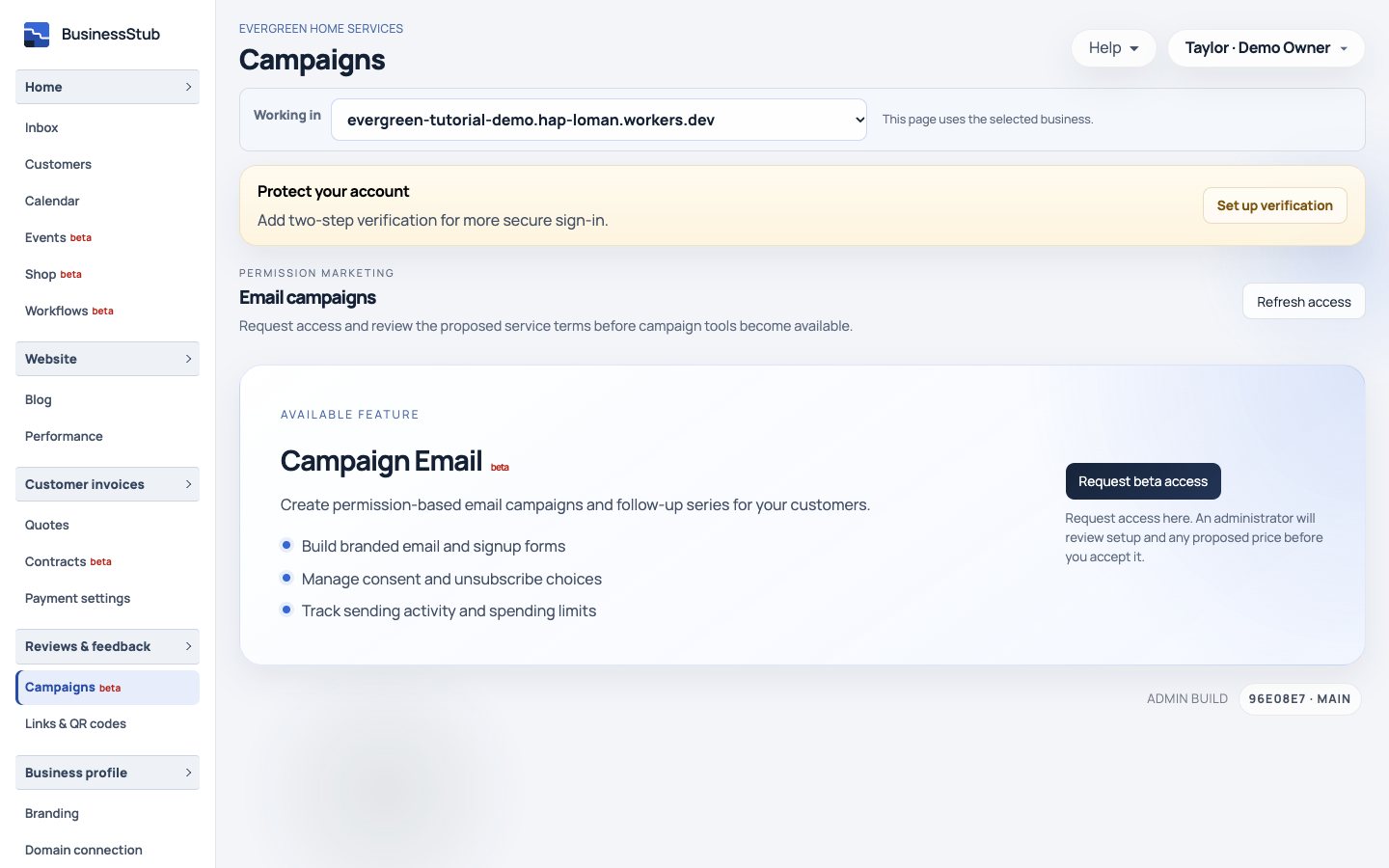
Email campaigns help you share one useful update with a permission-based audience instead of writing every message individually. Use them for news, reminders, or education that is relevant to a defined group.
Written guide ↗Website & content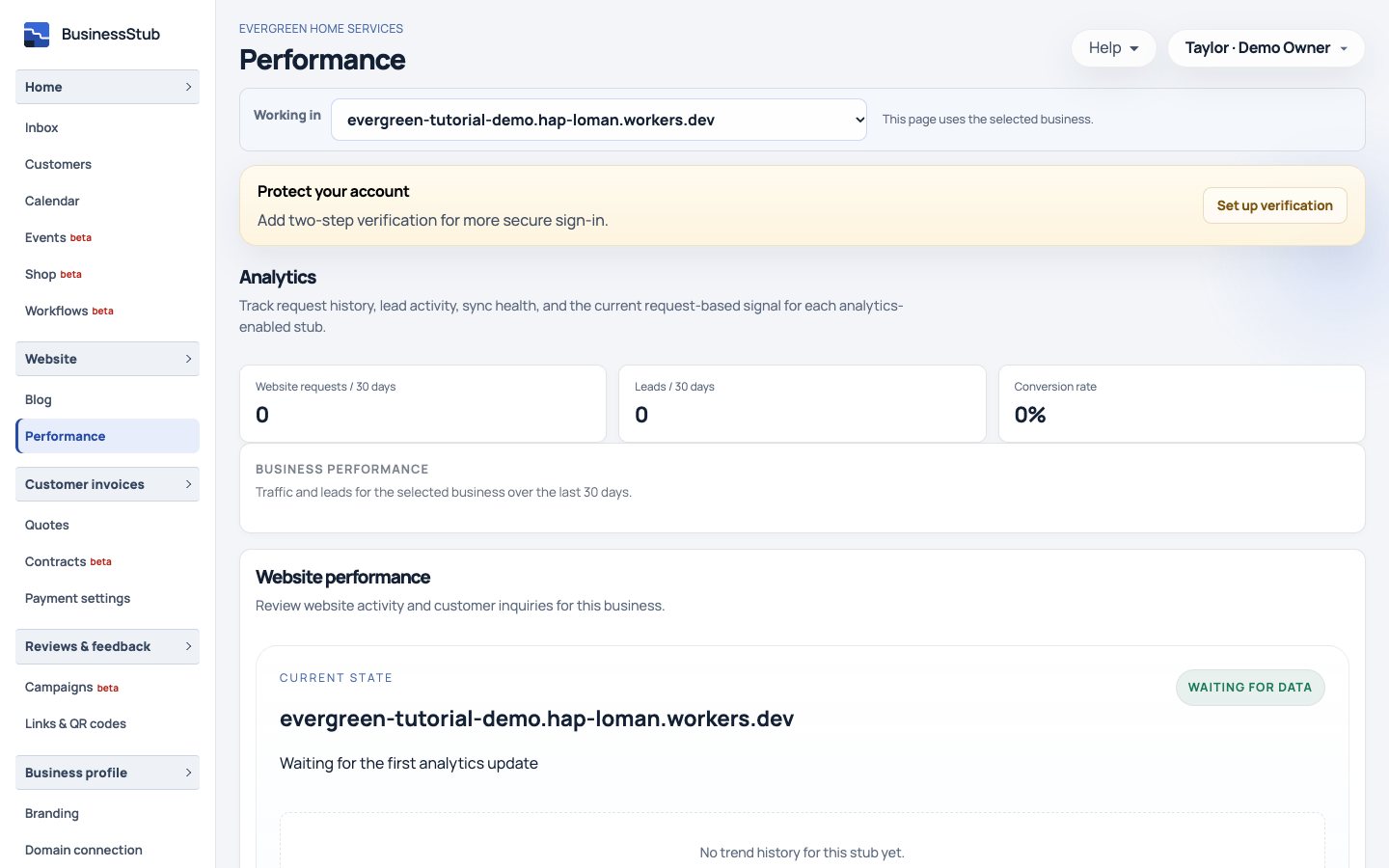
Performance reporting helps you see how website attention connects to real inquiries and customer activity. Use it to decide what deserves improvement or follow-up, while remembering that a trend is context rather than a guarantee.
Written guide ↗Account & setup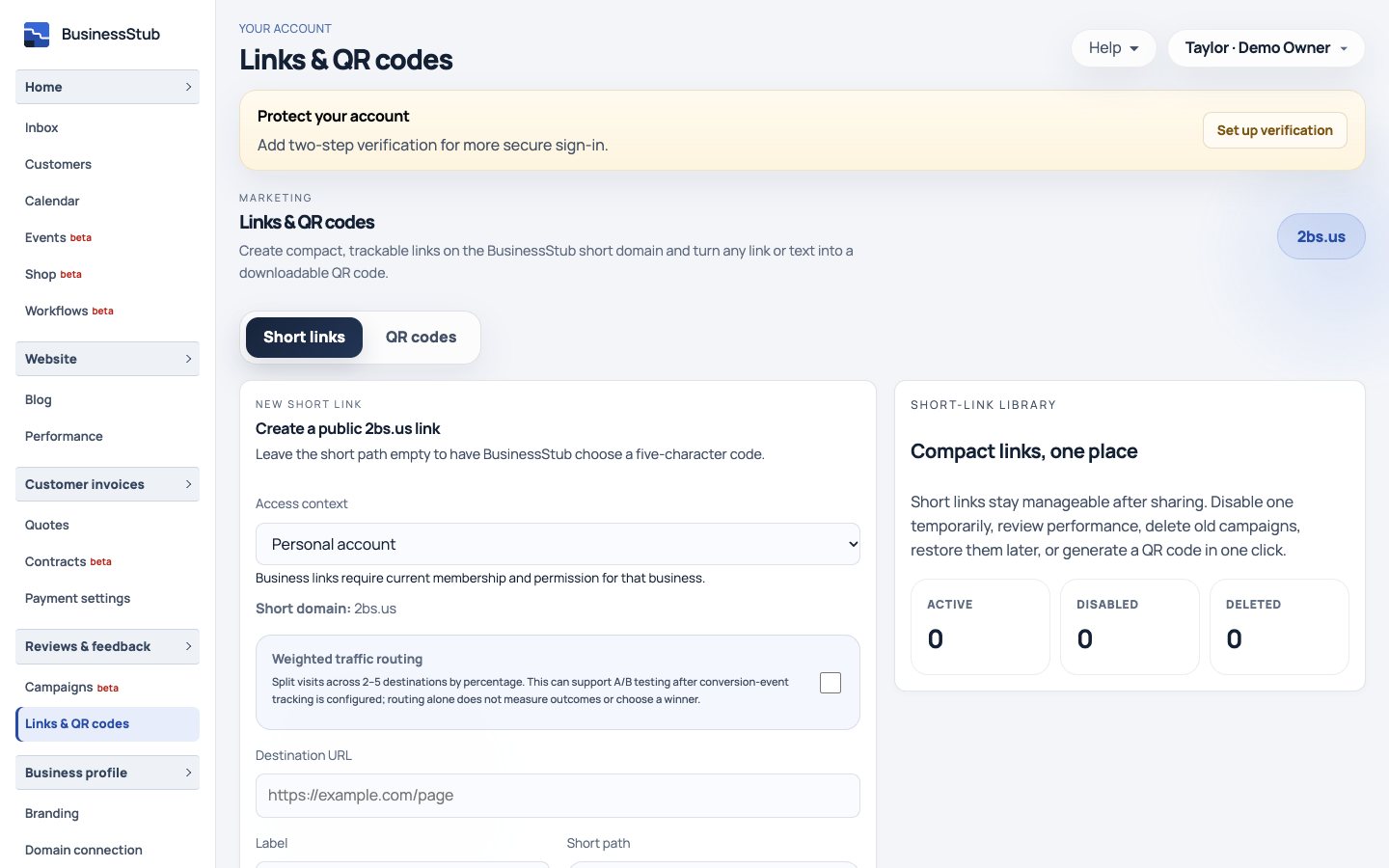
Short links and QR codes make a long destination easier to share in print, signs, messages, and conversations. Use them when people need a quick path to a page—and test them before anything is distributed.
Written guide ↗Account & setup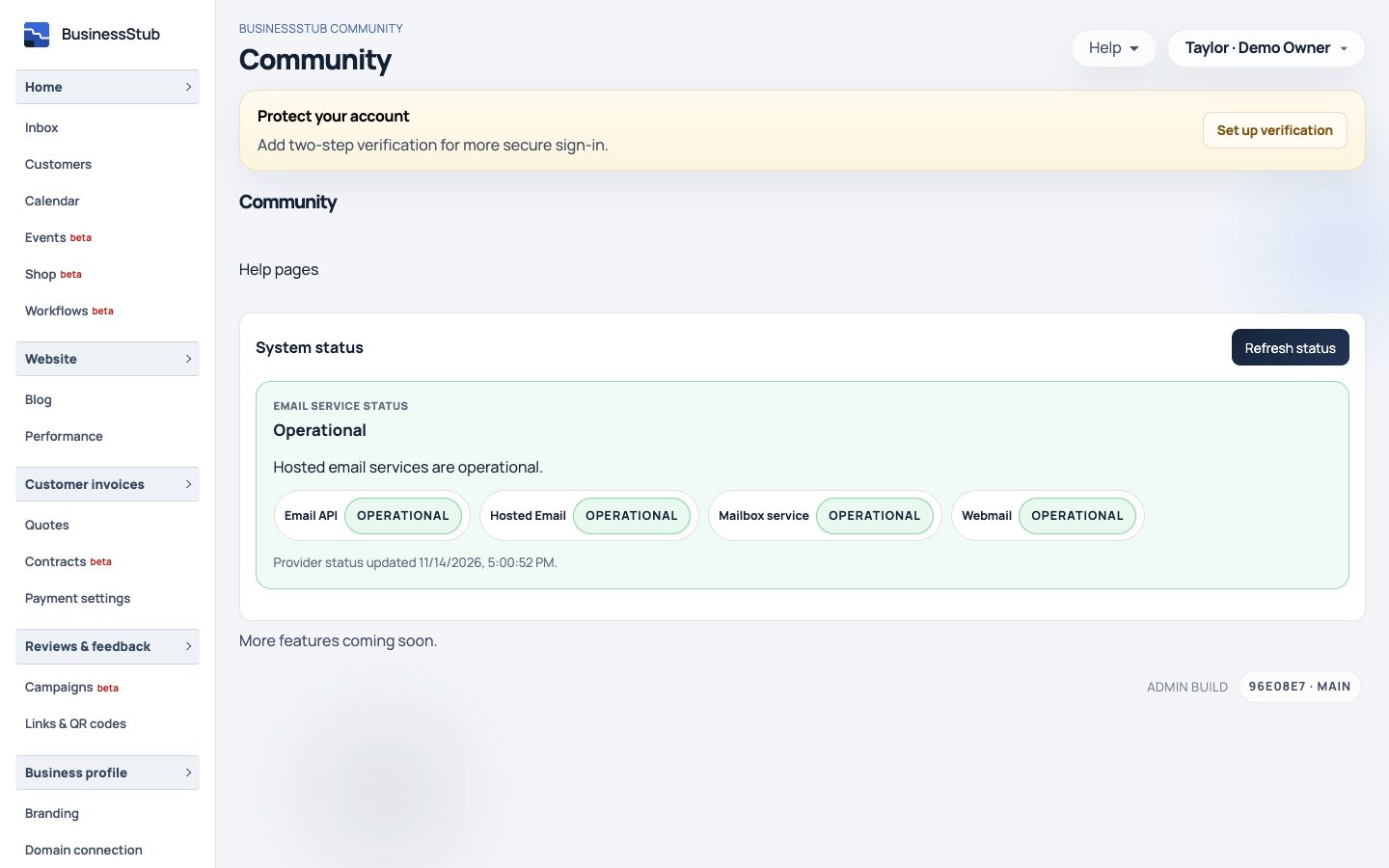
Community and support help you separate a known service problem from something specific to your account. Check status first, then use a support request when the right business, time, and error details can speed up an answer.
Written guide ↗Account & setup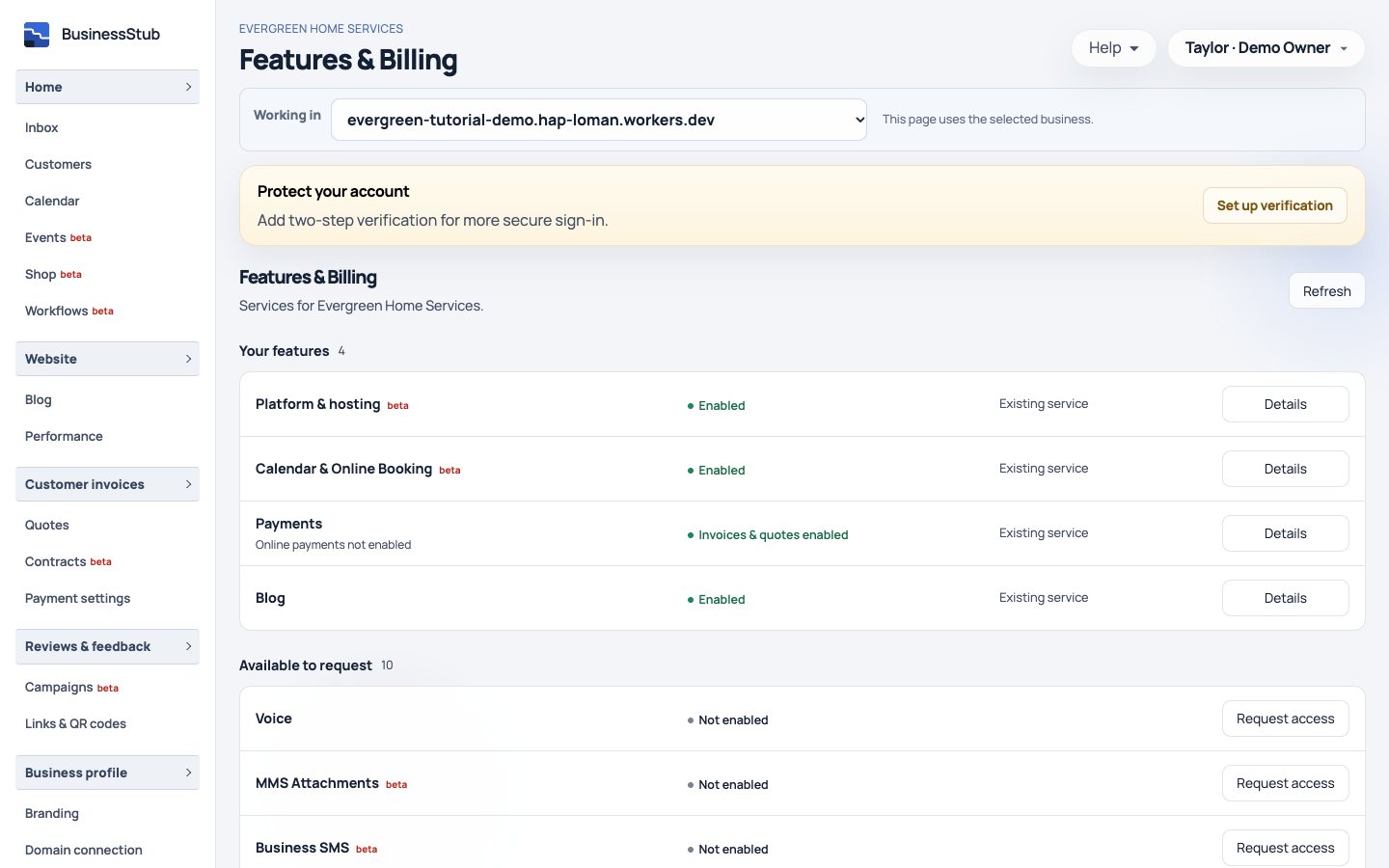
Account access and billing explain which services are active, who can manage them, and when charges are collected. Use this guide when reviewing a bill, adding a service, or deciding what a change will—and will not—affect.
Written guide ↗Getting started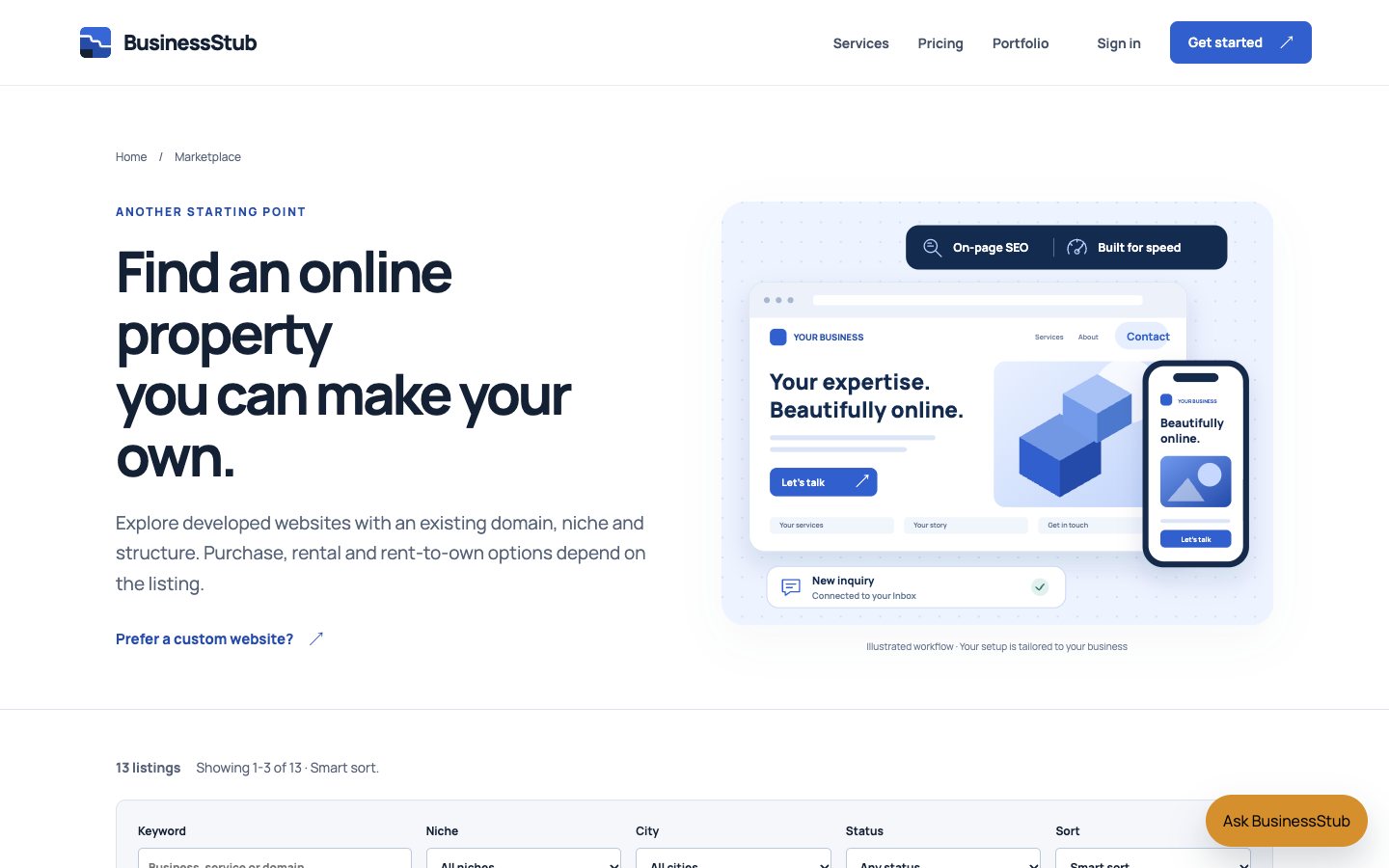
The marketplace helps you evaluate an available digital property before making a commitment. Use listings, inquiries, and applications to understand the current assets and terms without assuming approval, employment, or guaranteed results.
Written guide ↗Account & setup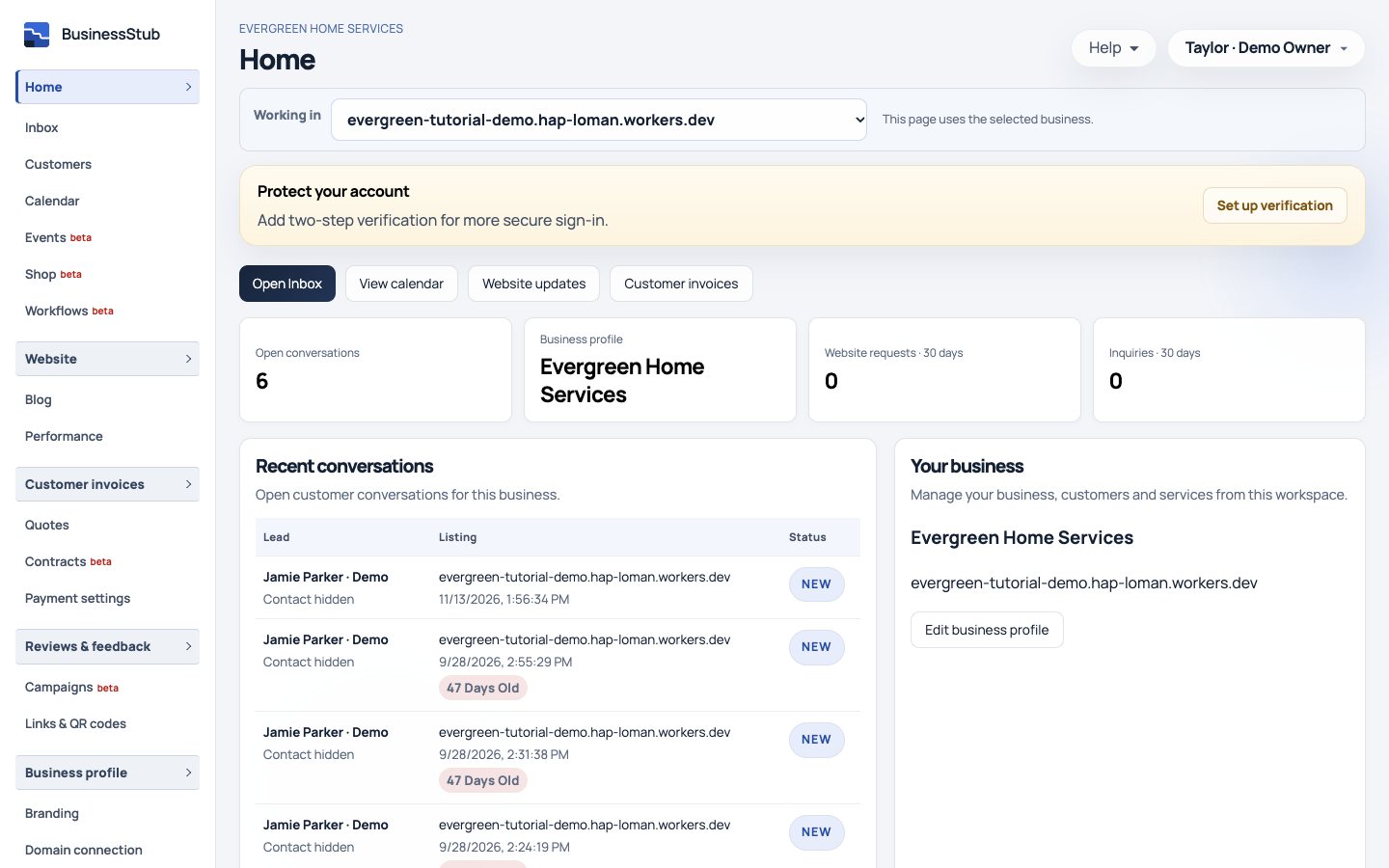
Troubleshooting gives you safe first checks for common access, delivery, publishing, and payment problems. Use it when something is unexpected so you can gather useful evidence without creating duplicates or repeating an uncertain action.
Written guide ↗Account & setup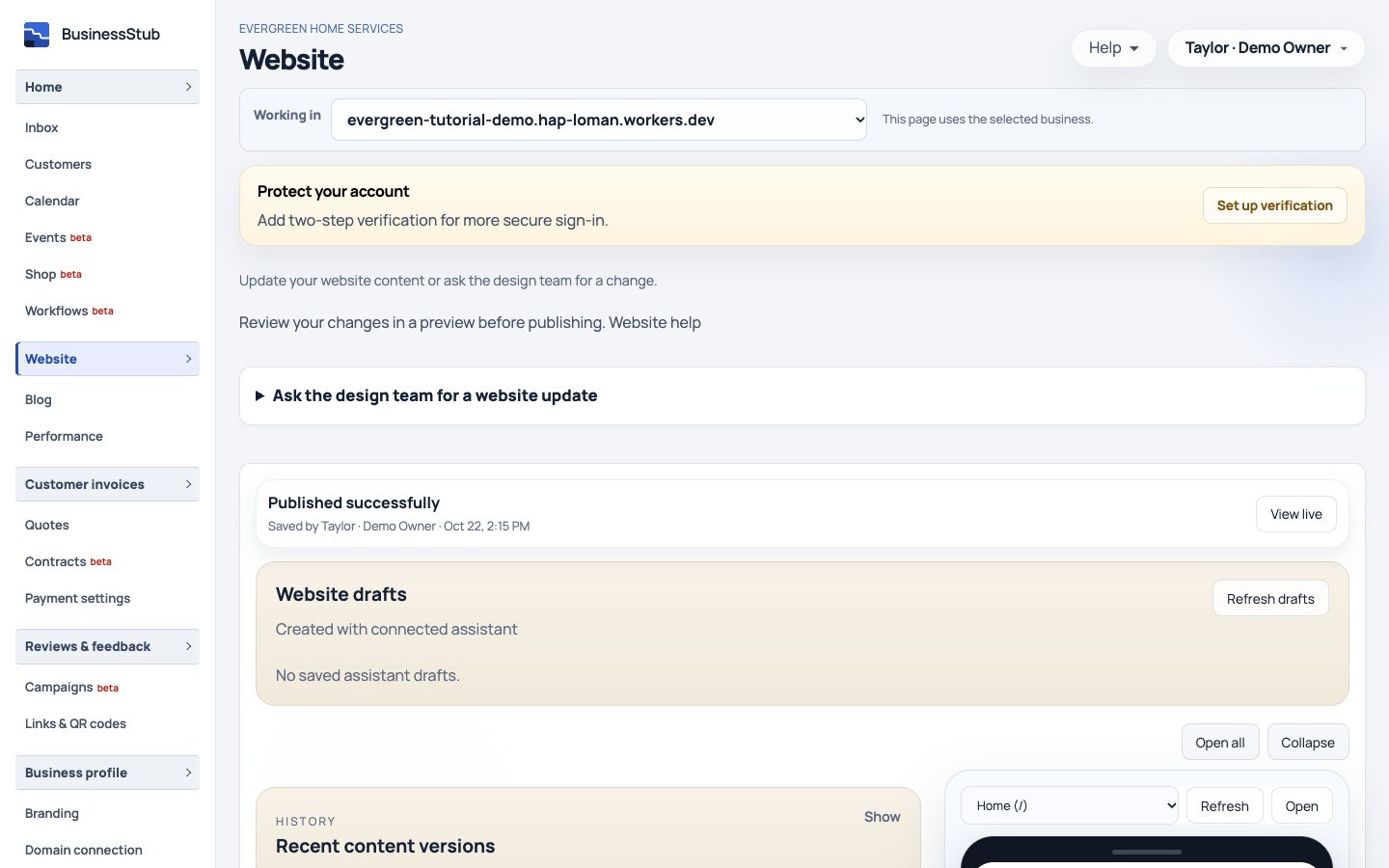
Compatibility rules keep a working website from breaking when platform contracts or integrations evolve. Use this guide before changing a supported version so the source, preview, publication path, and recovery plan remain aligned.
Written guide ↗  BusinessStub